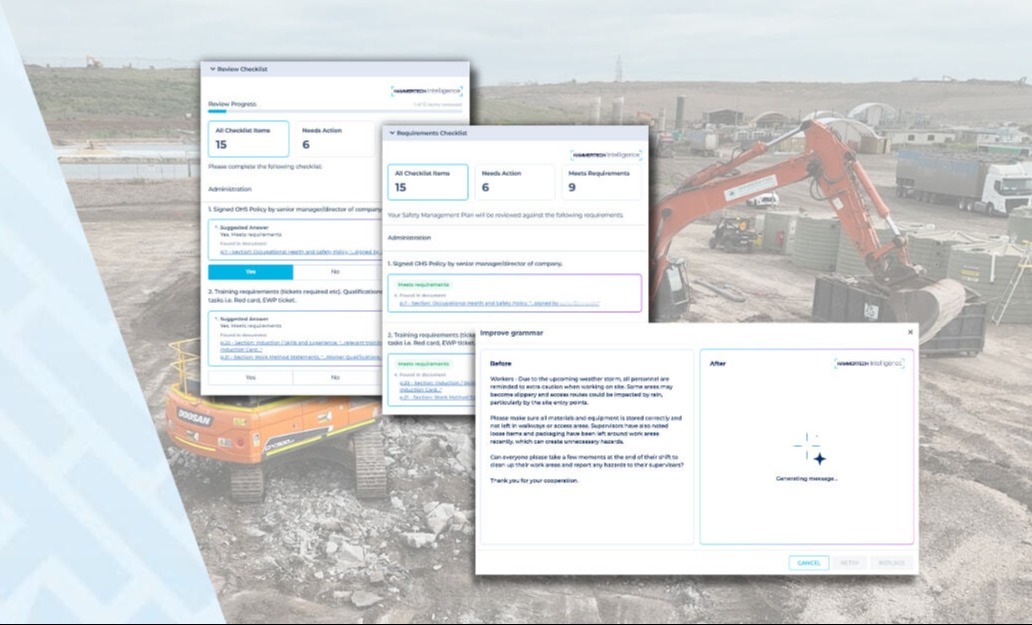
%20GIF.gif?width=200&name=HammerTech%20Intelligence%20(HTI)%20GIF.gif)

Managing safety across complex projects means dealing with a lot of moving parts - plans that change, equipment that needs tracking, notifications that need to reach the right people, and a platform that needs to stay out of your way.
This roundup covers updates across visibility, configuration, and usability designed to make the day-to-day experience faster, more precise, and easier for everyone on your team.
Everything you need to see, right where you need it
When information is scattered across screens or buried in manual processes, reviews slow down and things get missed. These updates bring the right data to the surface so your team can act without switching context.
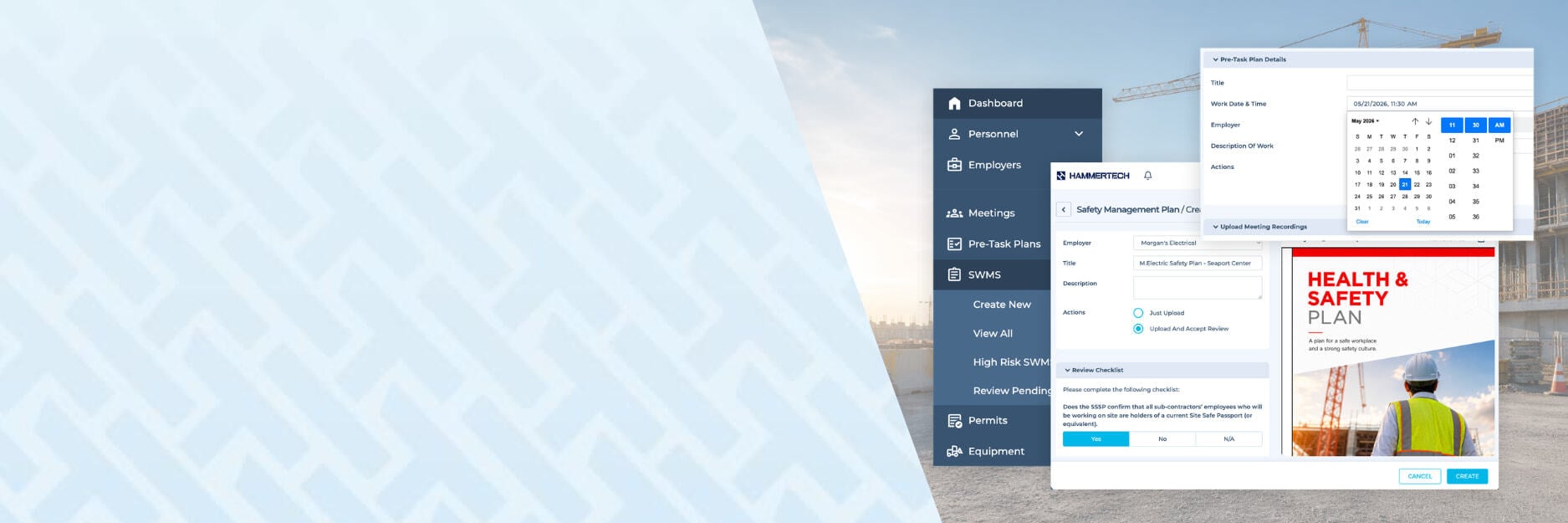
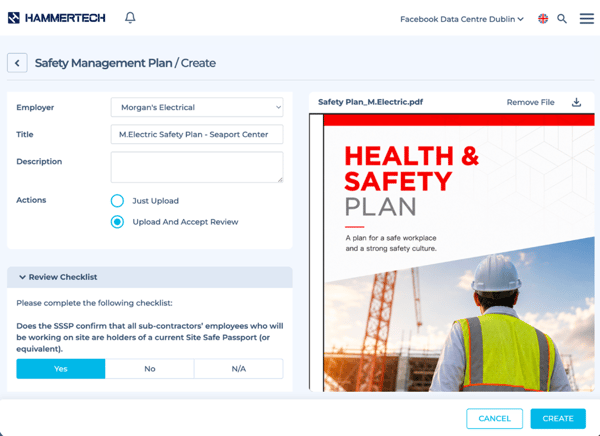
Streamlined Safety Plan Reviews: The Safety Plan module now includes side-by-side PDF previewing, drag-and-drop uploads, and redesigned review controls to make uploading, reviewing, and approving Safety Plans faster and easier. These updates reduce the need to switch between screens and surface checklist requirements earlier in the process, cutting down on back-and-forth and keeping approvals on track.
Equipment Servicing History Logging & Reporting API: HammerTech now automatically captures and tracks equipment servicing history, including hours and odometer readings, each time equipment is created or updated. This data is available via the Reporting API, giving users the foundation to build custom reports, charts, and servicing logs in tools like Power BI to better understand usage trends and maintenance patterns across their fleet.
More fields, less noise
Good workflows don't just move fast - they move with precision. These updates give your team more ways to configure the details that matter, so plans stay accurate and notifications reach the right people without the clutter.
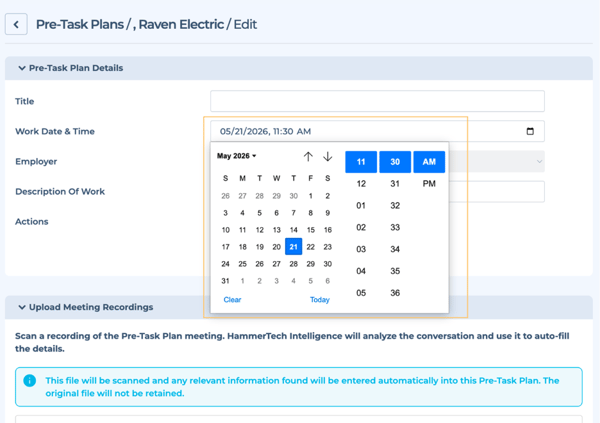
PTP Work Date & Time Editing: Users can now edit the Work Date & Time on a Pre Task Plan (PTP) or Safety Plan of Action (SPA) after it has been created, making it easy to keep plans accurate when schedules shift or when cloning PTPs for repeat work. This removes the need to recreate plans from scratch just to update timing, saving time and reducing admin burden for teams managing fast-moving site schedules.
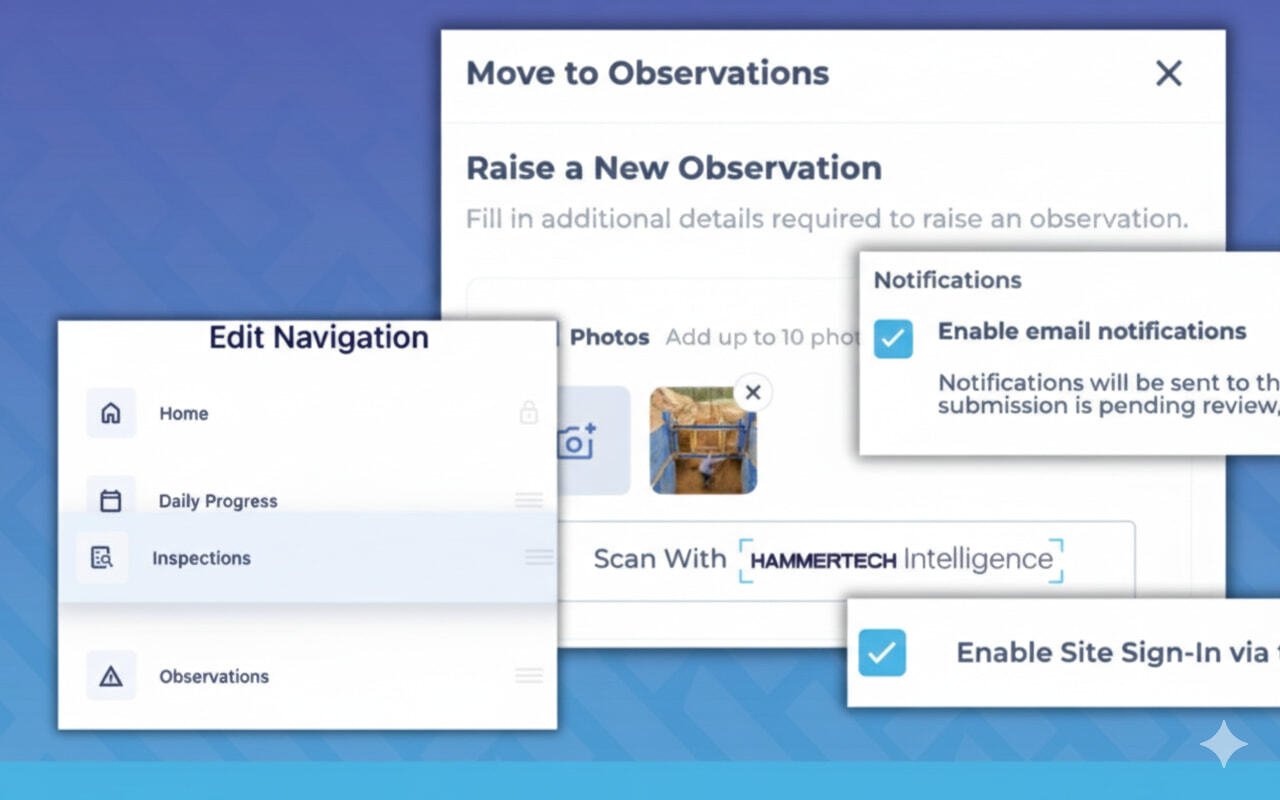
Observation Notification Enhancements: Teams can now configure Observation workflow notifications using five new fields - Project, Region, Due Date, Description, and Assignee - in addition to the existing set. This gives you greater control over when notifications trigger and who receives them, so the right people are alerted at the right time without unnecessary noise.
A cleaner, more intuitive experience
A platform should work the way your team thinks. These updates make HammerTech easier to navigate and more accessible for everyone, regardless of where they're based or how often they log in.
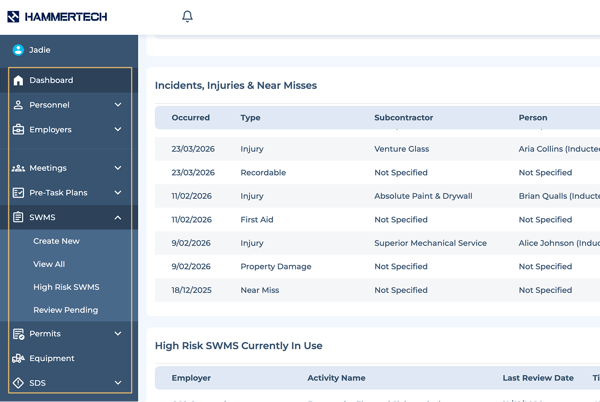
Menu Updates - Module Grouping The navigation menu has been redesigned with logical groupings, updated icons, and improved visual clarity to make the platform easier to scan and use. Related modules now sit together, rather than in a single long list, so your team can find what they need faster, with less time spent searching. The menu also remembers where you left off between sessions.
Language Selection Improvements Language lists across HammerTech are now alphabetized and consolidated into a single, easier-to-scan list, with English options still surfaced at the top and limited-support languages clearly labeled inline. No functionality has changed - this update simply makes finding and selecting your preferred language faster and more straightforward, particularly as the number of supported languages grows.
Ready to explore these updates? All of these features are available now. Questions? Reach out to your Customer Success team or visit our Help Center.
.png?width=1200&height=400&name=Not%20a%20customer%20yet%20(1).png)